Live Dashboard
See active users, session activity, sales, and router status in one place.
Router-based Piso WiFi system
KemoFi is a Piso WiFi management platform built for a faster, smoother experience. Manage captive portals, coin rates, vouchers, sales, users, and supported routers in one place.
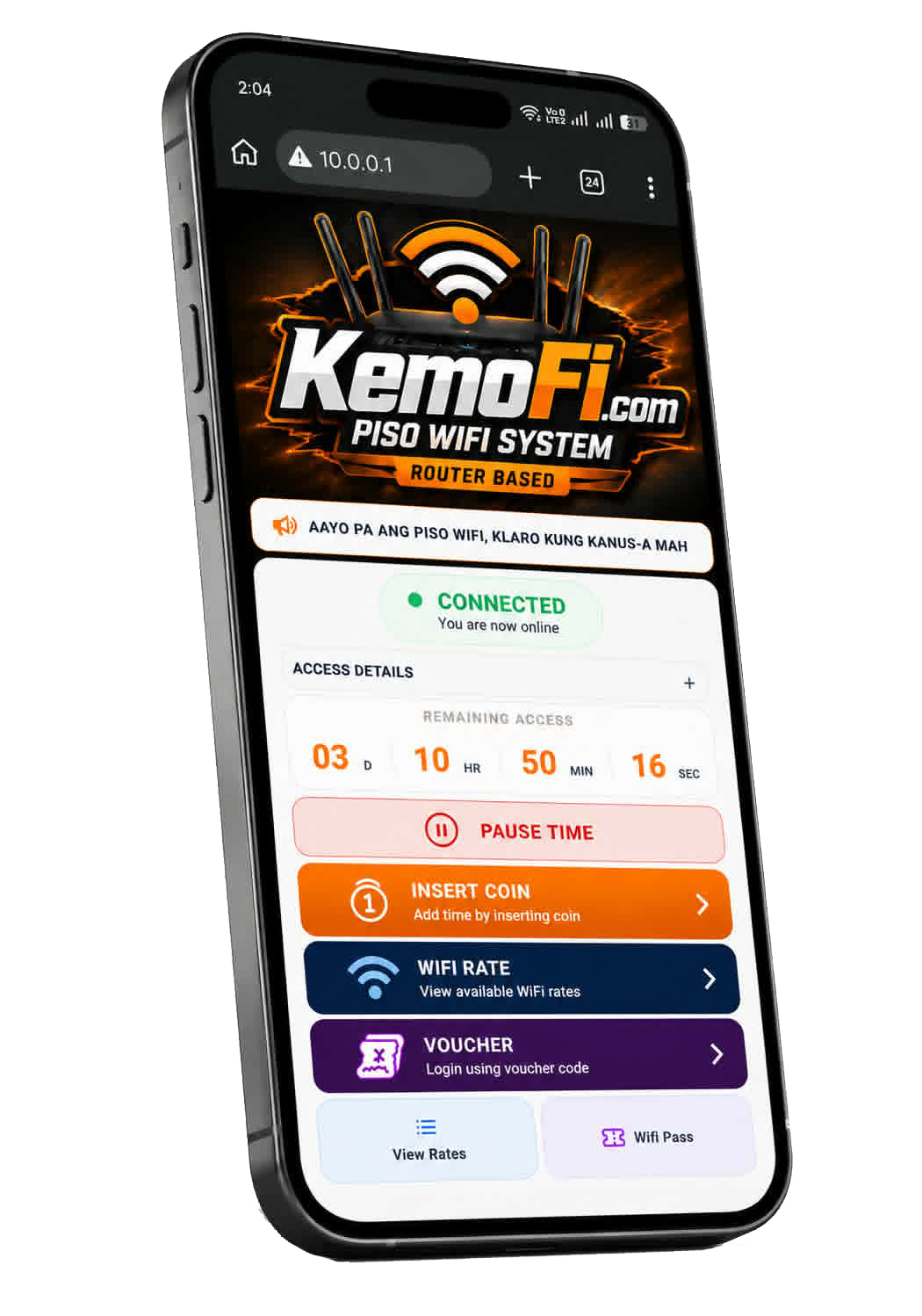 Customer portalMobile-ready access
Built for Piso WiFi operators
All of the tools needed to manage hotspot access, sales, and connected devices from one place.
See active users, session activity, sales, and router status in one place.
Review daily, weekly, and monthly sales to understand how each site performs.
Configure WiFi rates, access time, speed, and vouchers for your customers.
Monitor customer sessions and manage access with a clear operator view.
Build the setup that fits your site with supported routers and access points.
Keep your hotspot service organized with portal settings and device controls.
KEMOFI network
Trusted KEMOFI partners ready to help with Piso WiFi system setup, licenses, support, and local installation.
KEMOFI — Stable. Reliable. Built for Piso WiFi.
Message KEMOFI for distributor pricing, activation requirements, and available areas.
Message KEMOFICompatible hardware
KemoFi supports selected OpenWrt routers and access points. Your license is assigned to one supported device.
Supported OpenWrt router
Supported OpenWrt router
Supported OpenWrt router
Supported OpenWrt router
Supported OpenWrt router
Supported OpenWrt router
Supported OpenWrt router
Supported OpenWrt router
Supported OpenWrt router
Supported OpenWrt router
AP mode compatible
AP mode compatible
AP mode compatible
AP mode compatible
AP mode compatible
AP mode compatible
AP mode compatible
AP mode compatible
AP mode compatible
OpenWrt AP mode support
Need firmware for a supported device? View downloads or contact support.
Straightforward licensing
₱350per router / device
License activation included
One license is assigned per supported router or device.
Get connected
Connect your router to a stable internet source.
Set your coin rates, portal, and WiFi service.
Extend coverage with compatible access points.
Activate service and manage it from the dashboard.
Ready when you are
Create an account, download your firmware, and begin your KemoFi setup.